

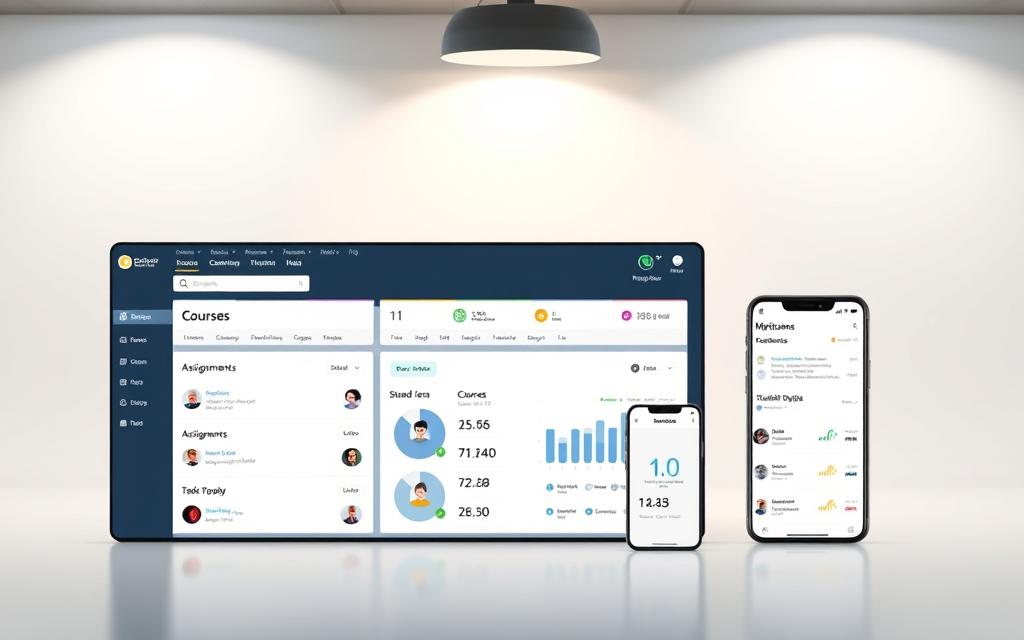
In today’s digital world, schools need strong tools to manage their classes well. Canvas is a top-notch learning management system made for this task.
This platform helps teachers sort out course materials, check student work, and track progress easily. It’s a key place where teaching and learning meet.
Canvas technology makes it easy for teachers to share resources. Students can then get to content and hand in work without hassle.
Canvas is now a key part of teaching in many schools. It makes handling school tasks easier and improves learning for everyone.
Understanding Canvas: A Modern Learning Management System
Canvas is a big step forward in learning management systems. It uses the cloud, changing how we learn. It’s easy to use and helps teachers and students do their best.
The Evolution of Learning Management Systems
Learning management systems have changed a lot in 20 years. At first, they just stored files and had simple tools for talking.
Then, they got better with interactive tools and ways to check work. Now, they offer full learning experiences. They use videos and let people work together in real time.
This change shows how important digital learning is. Schools want tools that help teachers teach in many ways. Moving to cloud-based systems is the next big step.
Related Posts:






Canvas’s Position in the Educational Technology Market
Canvas is a top choice in educational tech. It’s cloud-based, which means it’s easy to use and always up to date. It doesn’t need much upkeep.
Schools like Canvas because it’s flexible and reliable. It works well for big and small schools. Its design and features make it stand out.
Canvas is a strong competitor because of its modern look and wide range of tools. Here’s a comparison of hosting options:
| Feature | Cloud-Based LMS (Canvas) | Self-Hosted LMS |
|---|---|---|
| Implementation | Quick deployment | Complex installation |
| Maintenance | Handled by provider | Requires IT staff |
| Updates | Automatic | Manual |
| Scalability | Effortless expansion | Hardware-dependent |
| Cost Structure | Subscription-based | Upfront investment |
Because of its strong features, Canvas is used by many schools. It keeps improving and listening to what users need.
What Is Canvas Technology: Core Components and Architecture
Canvas Learning Management System is a cutting-edge tech framework for today’s education. Its LMS architecture offers a strong base and easy integration. This makes it a top choice for schools of all sizes.
The Technical Foundation of Canvas LMS
Canvas runs on a modern, service-based architecture for top performance. It uses Ruby on Rails, a stable framework for educational apps. This setup supports millions of users smoothly.
The design follows RESTful API principles for clean data exchange. This makes Canvas flexible for new educational tech and standards.
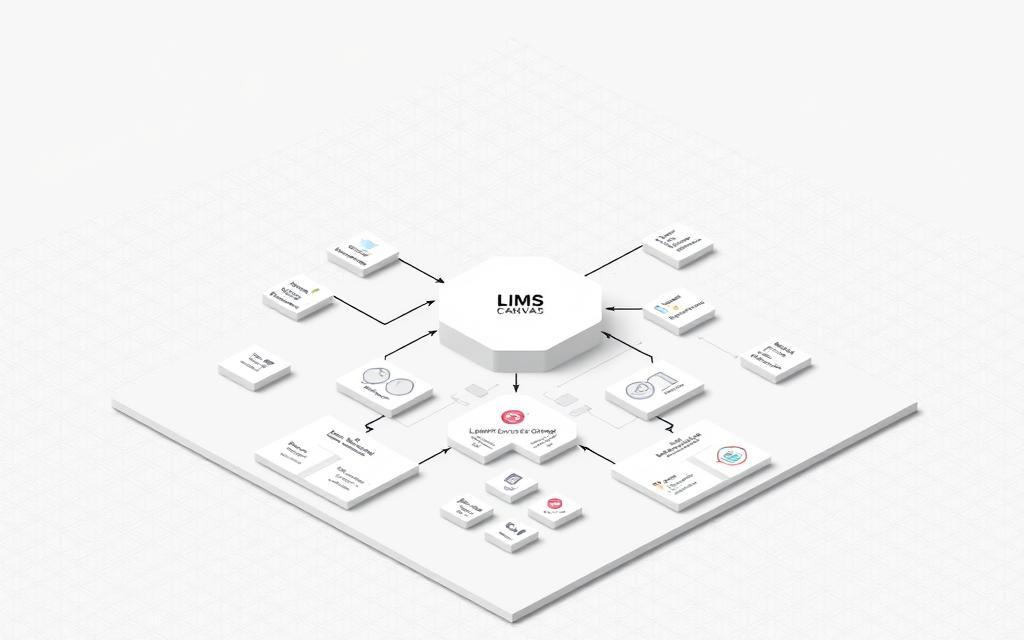
Canvas uses Amazon Web Services for its cloud setup. This gives schools great scalability and reliability. It also means no need for expensive hardware and automatic updates.
Schools can grow their use of Canvas without limits during busy times. The system adjusts to handle more users during exams or when new students start. This keeps performance high.
Integration Capabilities and API Structure
Canvas shines in integration thanks to its API support and standards. It follows IMS Global Learning Consortium specs for easy integration with other tools and systems.
With REST API and LTI support, Canvas connects smoothly with other apps. This lets schools build unique learning spaces that fit their needs. It keeps data safe and secure.
The API supports tasks like syncing grades and sharing content. This makes Canvas a key player in educational tech. It’s known for being one of the most dependable Learning Management Systems today.
Key Features That Define Canvas LMS
Canvas is a top choice in educational tech with its wide range of tools. It helps teachers and students in many ways. From delivering content to assessing students and encouraging teamwork, Canvas has it all.
Course Management and Content Organisation
Canvas makes managing courses easy for teachers. They can:
- Organise learning materials into clear modules
- Create easy-to-follow content structures
- Release content on set schedules
- Keep courses consistent across sections
This way, students can focus on learning without getting lost in complex structures.
Assessment and Grading Tools
Canvas’s assessment tools are some of the best for teachers. They make grading easier while keeping standards high.
Assignment Submissions and Feedback Systems
Canvas makes it easy for students to submit assignments online. Teachers get:
- Easy management of submissions
- Tools for giving detailed feedback
- Grading rubrics for fairness
- Options for audio and video feedback
Quiz Creation and Automated Marking
Teachers can create quizzes with different types of questions. Canvas supports:
- Multiple choice and true/false questions
- Essay and short answer questions
- Math questions
- Automatic scoring for some questions
This saves time and gives students quick feedback.
Communication and Collaboration Facilities
Canvas is great for keeping students and teachers connected. It offers tools for working together and sharing ideas.
Discussion Boards and Group Workspaces
The discussion board lets students have structured conversations. They can:
- Join discussions on topics
- Respond to others
- Share documents and media
- Work together in groups
Integrated Messaging and Announcements
Canvas keeps everyone in the loop with its messaging system. Teachers can:
- Send messages to individuals or groups
- Post announcements for the whole class
- Plan messages in advance
- See who has read their messages
These tools help keep everyone informed and involved.
How Canvas Enhances Collaborative Learning Experiences
Canvas changes education by making digital spaces where students learn together. It uses social constructivism, knowing that learning is better when we share and interact. This way, it builds real academic communities, not just one-way teaching.

Students get to connect and work together in digital spaces. These spaces are like real work places, getting them ready for the future. The design keeps students engaged, not just studying alone.
Real-Time Collaboration Tools
Canvas has tools for live collaboration, breaking down distance barriers. It has video sessions, screen sharing, and interactive whiteboards. Students can work on documents together, all in one place.
It also has instant messaging and shows who’s online. This makes students feel connected and supported. All interactions are recorded, helping with learning and assessments.
Group Projects and Peer Review Functionality
Teachers can set up spaces for group work in Canvas. It sends materials and updates to the right people. It also tracks who does what in group projects, making sure everyone is fairly judged.
The system helps with peer feedback, teaching students to give good feedback. They get to see different views on their work. This makes them understand better by explaining and defending their ideas.
It uses rubrics and scales to make sure everyone is judged the same way. This encourages students to think deeply and learn from each other. It turns assessments into ongoing conversations, not just final tests.
Canvas for Educators: Streamlining Teaching Processes
Canvas Learning Management System changes how teachers teach. It has tools that make managing courses easier and improve learning. Teachers can spend more time teaching and less on paperwork.
Course Creation and Curriculum Design
Canvas makes creating courses easy for teachers. It has templates that help arrange learning materials well. USask Canvas Course Design shows how to set up curriculum materials.
Teachers can use pre-made templates to speed up course making. These templates keep things consistent but also let teachers add their own touches. The system makes it easy to move things around.
Key benefits for curriculum design include:
- Reusable module structures
- Standardised assessment formats
- Integrated multimedia support
- Collaborative content development tools
Student Progress Tracking and Analytics
Canvas has strong analytics for keeping an eye on student progress. Teachers can see who’s doing well and who might need help. It shows patterns that suggest students might need extra support.
The analytics dashboard shows data in easy-to-understand ways. Teachers can see how each student is doing or look at trends in the whole class. This helps teachers tailor their teaching to meet student needs.
| Analytics Feature | Benefit for Educators | Impact on Teaching |
|---|---|---|
| Participation Metrics | Identifies engaged students | Adjust interaction strategies |
| Gradebook Analytics | Tracks assignment performance | Personalise feedback approaches |
| Course Access Reports | Monitors content engagement | Refine resource allocation |
| Risk Indicators | Flags struggling students | Enable early intervention |
These tracking tools change how teachers teach. They use data to make better teaching decisions and help students do better.
Canvas for Students: Navigating the Learning Environment
Students find Canvas to be a user-friendly digital space for their studies. It makes learning easy and accessible. This lets students focus on the content, not technical issues.
User Interface and Learning Experience
Canvas has a clean, organised dashboard. It helps students find courses and assignments quickly. The colour-coded system and visual calendar show upcoming deadlines clearly.
The navigation is straightforward, with menus that work the same way in all courses. This design makes learning easier by:
- Clear instructions and where to submit work
- Easy access to grades and feedback
- Simple ways to talk to teachers
This thoughtful design improves the learning experience. Students spend more time learning and less time figuring out the system.
Mobile Access and Learning On-the-Go
Canvas mobile apps for iOS and Android let students learn anywhere. They can check course materials, join discussions, and submit work from anywhere.
The mobile app works well on small screens. It has all the important features, including:
| Feature | Android Availability | iOS Availability |
|---|---|---|
| Assignment Submissions | ✓ Full support | ✓ Full support |
| Discussion Participation | ✓ Full support | ✓ Full support |
| Grade Viewing | ✓ Full support | ✓ Full support |
| Push Notifications | ✓ Customisable | ✓ Customisable |
This flexibility helps students learn in different ways and at different times. They can study in short moments throughout the day.
The mobile app keeps learning consistent across devices. Work started on a computer can be easily picked up on a phone or tablet.
Administrative Capabilities and Institutional Management
Canvas has a user-friendly interface but also a strong administrative system. This system helps educational institutions manage, secure, and understand their learning environment.
User Management and Permission Structures
Canvas gives detailed control over who can do what. Administrators can handle thousands of users easily with tools for bulk enrolment and automated account setup.
The platform lets you set up custom permissions for each role. This means different levels of access for:
- Instructors can create courses and grade work
- Teaching assistants have limited access
- Students can participate and submit work
- Custom roles for departmental management
This system keeps things secure while making management easier for different educational needs.
Reporting and Institutional Analytics
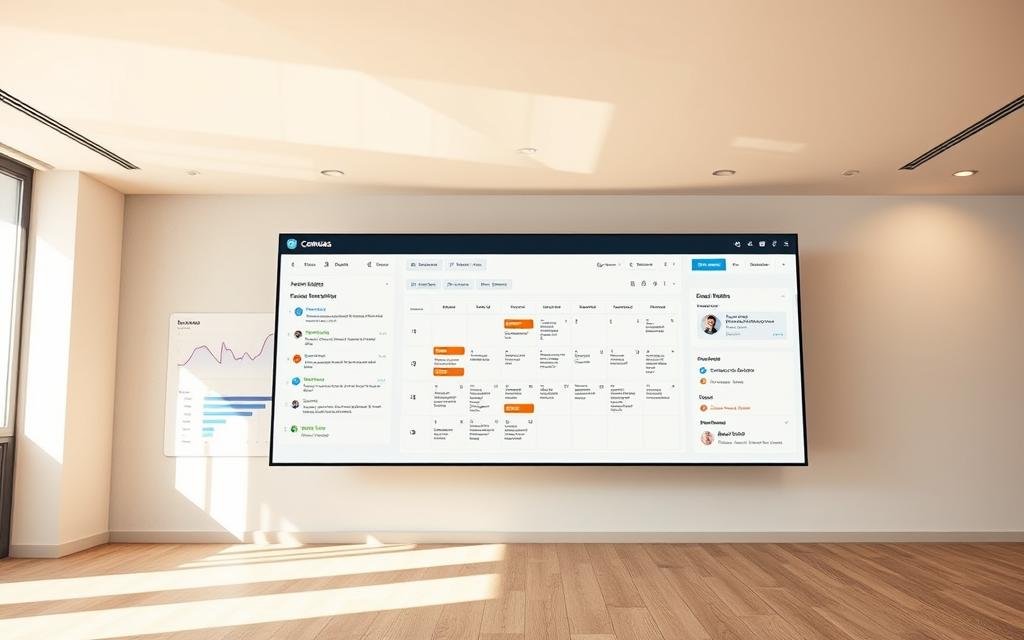
Canvas’s analytics suite turns data into useful insights. It tracks how people use the platform, course completion, and student engagement.
Administrators can make reports on important metrics. These reports help institutions see how well their programs are doing, find students who might need help, and make smart decisions about resources.
The analytics dashboard makes complex data easy to see. This helps leaders understand trends and make strategic changes to improve their institution.
Integration Ecosystem: Connecting Canvas with Other Tools
Canvas is special because it can link up with many educational tools. This makes it more than just a tool for teaching. It becomes a full digital learning centre.
The platform’s tool integrations make it easy for teachers to use their favourite tools. This doesn’t mess up the learning flow.

Third-Party Application Integrations
Canvas works with lots of educational apps to improve teaching and learning. These links help schools keep using their current tech. At the same time, they get the best of Canvas.
Some common integrations are:
- Microsoft 365 for sharing and storing documents
- Zoom for online classes and meetings
- Publisher content from big educational providers
- Google Workspace for school productivity tools
- Anti-plagiarism software for keeping learning honest
These tool integrations fit right into Canvas. This gives everyone a smooth experience.
LTI Standards and Compatibility
Canvas follows the Learning Tools Interoperability (LTI) standards. This is thanks to the IMS Global Learning Consortium. It makes sure different educational apps can talk to each other safely and in a standard way.
The LTI framework offers big benefits:
- Standardised ways for systems to connect
- Safe sharing of data, keeping users private
- A consistent experience for users across tools
- Easier management of connected apps
This way of doing tool integrations lets schools grow their Canvas use with tools that fit their needs. It’s a smart move for the future of learning tech.
Canvas’s LTI support shows it’s ready for new tech in education. It keeps the platform open to future innovations.
Security and Data Protection in Canvas
In today’s digital world, strong security is essential. Canvas LMS has top-notch data security to keep educational info safe. It also makes sure the platform is easy to use.

Data Privacy Measures and Compliance
Canvas follows strict privacy rules worldwide. Its design meets:
- GDPR for European users
- FERPA for American schools
- Regular security checks
- Clear data use policies
Student data is kept safe with strong encryption. The security strategy helps schools follow the law. It also keeps the learning space safe.
Security Protocols and User Authentication
Canvas has strong defences against hackers. It uses:
- Two-factor authentication
- Single sign-on (SSO)
- Penetration tests by experts
- Threat detection systems
The platform’s data security uses top encryption. This keeps all data safe from cyber threats.
It also has strict user checks. This means only the right people can do certain things. This makes digital learning safe and reliable.
Canvas Compared: Strengths Against Other LMS Platforms
Institutions often compare learning management systems to find the best one. Canvas shines in several areas compared to others.
Canvas’s modern design and cloud-based nature give it big advantages. It always has the latest features because of its regular updates.
Canvas vs. Blackboard: Key Differences
Blackboard Learn is an old LMS, but Canvas is newer and easier to use. Canvas’s design makes it simpler for everyone to learn.
Canvas is quicker and updates more often than Blackboard. It’s also cheaper because it doesn’t need as much setup.
Canvas vs. Moodle: Feature Comparison
Moodle is open-source, which means it’s free but needs more work. Canvas is a complete system that’s easier to manage.
Canvas has better features right out of the box. Moodle needs plugins to work well. Canvas also has a better mobile app.
| Feature Category | Canvas | Blackboard | Moodle |
|---|---|---|---|
| User Interface | Modern & Intuitive | Traditional Complex | Customisable Basic |
| Deployment Model | Cloud-Based | Cloud or Self-Hosted | Self-Hosted |
| Mobile Experience | Native App | Mobile Version | Plugin-Dependent |
| Support Model | Full Service | Varied Packages | Community-Based |
| Update Frequency | Regular Updates | Periodic Updates | Self-Managed |
This LMS comparison shows Canvas’s strengths. It offers modern tech, easy use, and strong support. Its updates keep it ahead of others.
The Future of Canvas and Learning Management Systems
Educational technology is changing fast, changing how schools teach and learn. Canvas is leading this change, always updating to meet new needs. It focuses on making learning personal, accessible, and based on data.
Emerging Trends in Educational Technology
Several trends are changing education. Artificial intelligence makes learning personal, fitting content to each student’s needs. Adaptive learning lets students learn at their own speed.
Virtual and augmented reality make learning fun. Students can explore complex topics in new ways. Better analytics help teachers understand how students are doing.
Microlearning and mobile learning are becoming more popular. Short lessons on any device help students learn when they need to. These trends show the exciting future of edtech and learning systems.
Canvas’s Development Roadmap
Instructure has big plans for Canvas. They want to use AI to make teaching better and learning outcomes higher. They also plan to use predictive analytics to spot students who might struggle.
Canvas aims to make education more accessible for everyone. They’re working on making it easier to use with other tools and systems. They also want to make it easier to learn on the go.
These plans keep Canvas at the top of the educational tech market. Their focus on innovation meets the needs of today’s education. This makes Canvas a key player in the future of edtech globally.
Conclusion
Canvas Technology is a top-notch learning management system. It’s made for today’s fast-changing education world. It offers a safe and easy way to learn online.
Everyone who uses Canvas gets big benefits. Teachers get tools to manage courses better and see how students are doing. Students love how easy it is to use and can learn on their phones.
Schools get powerful tools to run their education smoothly. They can also link Canvas with other systems. This makes learning better for everyone.
Choosing Canvas means you’re setting up a place where learning is fun and ready for the future. It keeps up with new trends in education. Using Canvas is a smart move to improve learning results.
FAQ
What is Canvas Technology and how does it function as a Learning Management System?
Canvas Technology is a modern Learning Management System (LMS). It acts as a centralised platform for managing courses, delivering content, and interaction between students and instructors. Questions about canvas learning management also connect with lifi high speed wireless when readers compare closely related topics. It supports educational environments by providing tools for organising materials, conducting assessments, and facilitating communication.
How has Canvas evolved within the broader history of Learning Management Systems?
Canvas emerged as a sophisticated platform after the evolution of LMS technology. It evolved from basic digital repositories to advanced, cloud-based systems. It incorporates key milestones in educational technology, providing a user-friendly, scalable, and integrated approach.
What are the core architectural components of Canvas LMS?
Canvas is built on a robust, scalable architecture with a cloud-based infrastructure. This ensures reliability, accessibility, and seamless updates. Its design supports integration capabilities through APIs and adherence to standards like LTI, enabling connections with external tools and systems.
What key features define Canvas as a powerful LMS?
Canvas includes features like the Modules system for content organisation and a full suite of assessment tools with automated marking. It also has feedback mechanisms and communication tools like discussion forums and internal messaging. These elements support effective teaching and learning.
How does Canvas promote collaborative learning experiences?
A> Canvas enhances collaboration through real-time interaction tools and content co-creation features. It also has functionalities for managing group projects and peer reviews. These tools encourage active participation and knowledge sharing among students.
In what ways does Canvas streamline teaching processes for educators?
Canvas simplifies teaching workflows with an intuitive course builder and template utilisation. It also offers robust analytics and tracking dashboards. Educators can monitor student engagement, identify at-risk learners, and adapt their teaching strategies based on data.
How user-friendly is Canvas for students, and what mobile access does it offer?
Canvas provides a clear, navigable interface designed to reduce cognitive load and enhance the learning experience. Its mobile app supports learning on-the-go, with full functionality for accessing courses, submitting assignments, and engaging with content anytime, anywhere.
What administrative capabilities does Canvas offer for institutions?
Canvas supports institutional management through systems for user roles, permissions, and enrolments at scale. It also includes advanced reporting suites for analytics on platform usage, course effectiveness, and other metrics. This aids strategic decision-making and resource allocation.
How extensible is Canvas through integrations with other tools?
Canvas features a rich ecosystem of integrations with third-party tools like Microsoft 365, Zoom, and publisher content. It adheres to LTI standards, ensuring secure and standardised communication between Canvas and other educational applications, creating a flexible learning environment.
What security measures does Canvas implement to protect user data?
Canvas employs a security framework including data privacy measures compliant with regulations like GDPR and FERPA. It uses technical security protocols, encryption standards, and robust authentication methods to safeguard against unauthorised access and data breaches.
How does Canvas compare to other LMS platforms like Blackboard and Moodle?
Canvas offers advantages over Blackboard in terms of user experience, modern architecture, and cost structure. Compared to Moodle, Canvas provides a cloud-based solution with extensive out-of-the-box features and reduced need for institutional technical support, making it a more streamlined and scalable option.
What future developments are anticipated for Canvas and educational technology?
Canvas is adapting to emerging trends such as AI-driven personalisation, immersive learning, and enhanced analytics. Its development roadmap focuses on incorporating new technologies and pedagogical approaches to maintain leadership in the educational technology market.
Is Canvas suitable for all types of educational institutions?
Yes, Canvas is designed to be scalable and adaptable, making it suitable for a wide range of educational institutions. Its flexibility in features and integrations allows it to meet diverse educational needs.
Can Canvas be customised to align with specific institutional requirements?
Absolutely. Canvas offers extensive customisation options through its API, LTI integrations, and configurable features. Institutions can tailor the platform to their specific curricula, branding, and operational processes.
What support and training resources are available for Canvas users?
Canvas provides extensive support including documentation, online guides, community forums, and training programmes. Many institutions also offer tailored training sessions to ensure effective adoption and use of the platform.